Iconic
Design beautiful, consistent icons — one at a time, or a thousand.
A lightweight, layer-based icon editor with real-time effects, animated GIF export, batch processing, and a CLI for headless workflows. Design once, export individually or process entire folders in one click.
Features
Everything you need to design, customize, and batch-export professional icons.
Smart Recoloring
Recolor every image in a batch to match your design, rasters and SVGs alike.
CLI / Headless Mode
Render icons and run batch jobs from the command line, with no GUI.
11 Visual Effects
Plugin-style effects pipeline - apply per-layer or post-composite. Toggle Off / On / GIF to compare, or see every parameter in the guide.
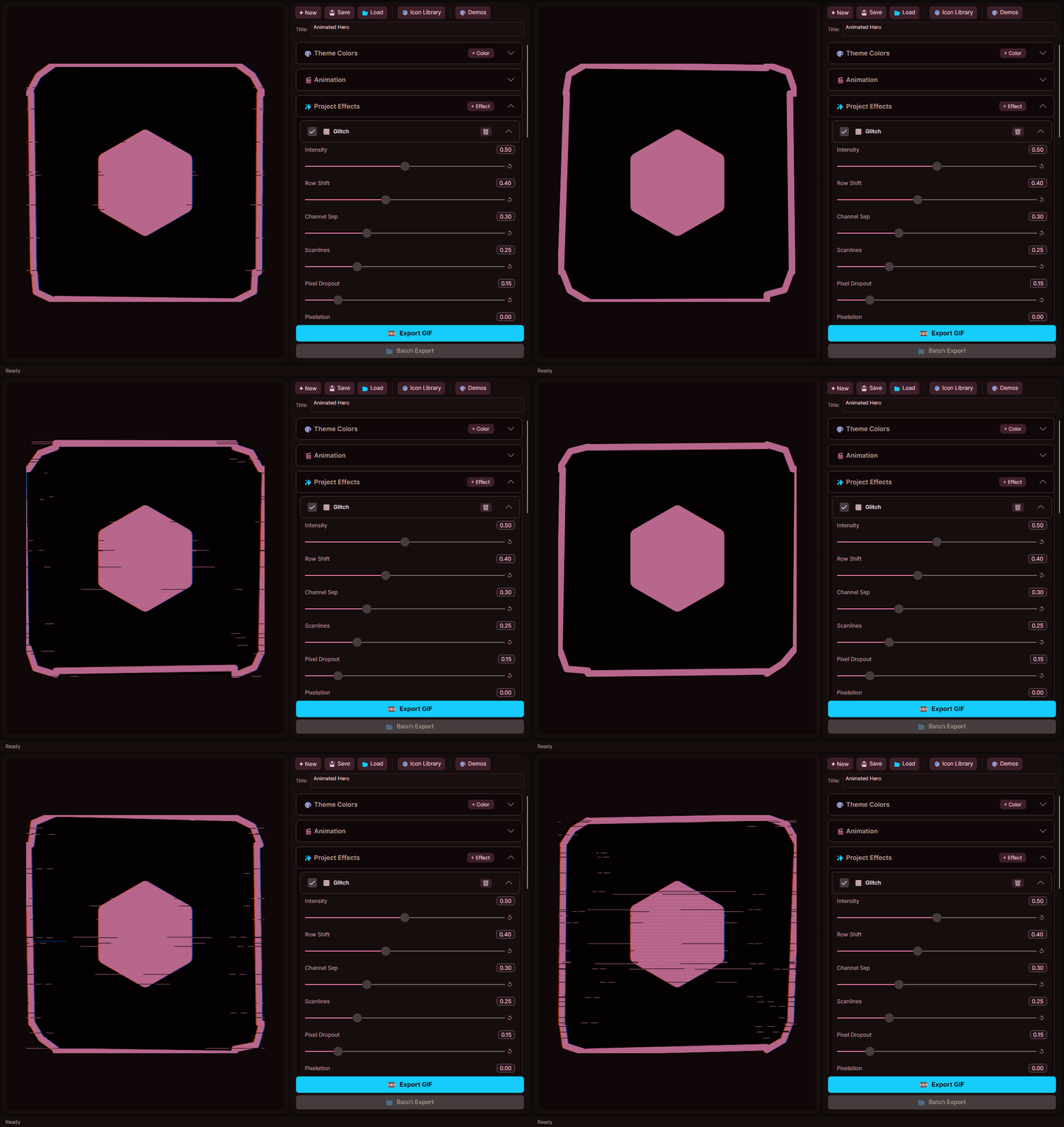
Glitch
Video stream corruption - buffering artifacts, macroblocking, row shifting, channel separation, and pixel dropout.
Intensity, Row Shift, Channel Sep, Scanlines, Pixel Dropout, Pixelation, Buffering, Noise, Scanline Shift, Phase

Underglow
Radiates a colored glow from the border edge, either outward or inward.
Intensity, Spread, Direction, Glow Color, Saturation, Pulse

Bevel
Adds a 3D beveled highlight/shadow to the border edge.
Intensity, Width, Light Angle, Invert

Scanlines
CRT-style horizontal scanlines with adjustable spacing and padding.
Opacity, Spacing, Thickness, Padding, Scroll Speed, Phase
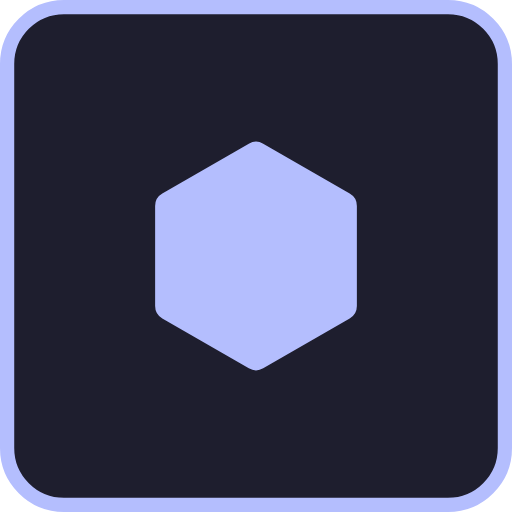
Chromatic Aberration
RGB channel offset for a broken-lens cyberpunk look.
Intensity, Angle, Pulse, Phase

Hue Shift
Rotate all colors through the spectrum - great for rainbow cycling.
Shift, Cycle Speed, Phase

Pixelate
Retro mosaic pixel-art downscale effect.
Block Size, Pulse, Phase

Outline
Adds a colored outline around the layer content.
Thickness, Color, Saturation, Lightness, Opacity

Drop Shadow
Adds a colored drop shadow behind the layer content.
Offset X, Offset Y, Blur, Color, Saturation, Lightness, Opacity

Dot Matrix
Retro dot-matrix display with soft glow and pulse animation.
Dot Size, Spacing, Brightness, Glow Intensity, Glow Spread, Pulse Amount, Pulse Speed, Phase, Round Dots, Background Darkness
Border Noise
Jagged / lightning-bolt border distortion.
Intensity, Frequency, Animate Speed, Phase
How It Works
Three workflows - design single icons, batch-process entire folders, or expand your icon library.
Design an Icon
- 1.Set canvas size (72×72 or 144×144), pick border/background colors, corner radius, and padding
- 2.Add layers - image, icon glyph, SVG, text, or shape. Adjust Scale, Opacity, and Offset for each
- 3.Apply effects - 11 built-in: attach per-layer with +FX or apply post-composite
- 4.Export as lossless PNG or animated GIF. Save your project as a reusable .ipj template
Batch Process a Folder
- 1.Design your template - mark one layer as 📌 Placeholder (swapped per source image)
- 2.Open Batch Process - choose a source folder or one of your icon sets
- 3.Optional: enable Smart Recolor to replace white pixels in rasters or override SVG fills
- 4.Click Batch Export - one icon per source file, all layers and effects applied
Build Your Icon Library
- 1.Open the Icon Browser
- 2.Point Iconic at any folder of SVGs and it becomes a searchable icon set
- 3.Or import your own SVG collection from any local folder - instantly available in the browser
CLI & Headless Mode
Run Iconic from the command line — no GUI required. Ideal for CI/CD pipelines, build scripts, and automated workflows.
Batch Mode
Stamp a template design onto every icon in a source set.
Single Render
Render a template as-is to PNG — no source substitution.
Flexible Source Targeting
./raw-icons— Every image in that folderMySet-34— The 34th icon in that set (1-based)MySet-Sword— Icon named "Sword" in that setMySet— Every icon in one of your icon setsfeather-heart— Named icon from your icon libraryC:\path\to\folder— All images in a local directoryWorks identically on Windows, macOS, and Linux. Published binaries include all native dependencies.
Output Sizes
Both sizes exported as lossless PNG with transparent-aware RGBA compositor. Animated effects export as GIF89a with configurable frame count and delay.
Support the Project
Love Iconic? You can support continued development with a one-time donation.
Support Iconic
Help us improve the icon editor. Every contribution makes a difference.
Powered by PayPal · Secure checkout
Ready to design?
Iconic is coming soon. Works on Windows, macOS, and Linux.
Coming Soon